Create a Task
Add your first Automated Task to set the radio's Real Time Clock to UTC automatically!
Create your first Task
Press the [+ New Task] button to launch the new task dialog.
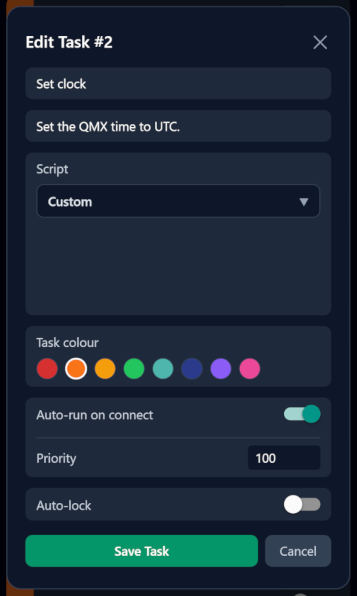
- Name: A short name for the task. Enter: "Set clock".
- Description: A one line explanation for what the script does. Enter: "Set the QMX time to UTC".
- Script: Rather than create your own custom script, select one from the community script library. Tapping the drop-down will retrieve currently available scripts. Once retrieved, select "Set Clock to UTC".
- Task colour: Select a colour to visually distinguish tasks in your list. A good practice is to use Red or Orange for any script which will put your radio into TX mode, as a reminder to ensure you've got an antenna/dummy load connected first.
- Auto-run on connect: Enable this so that as soon as Figaro establishes a connection, it will run the script.
- Priority: If Auto-run is enabled, the priority determines the order in which Auto-run tasks will execute. We can leave it as the default.
- Auto-lock: If enabled, the task must be armed before it may be run. This is usefull for preventing accidental execution of tasks. Note that this is a UI lock only. If both Auto-run and Auto-lock are enabled, the script will still execute as Auto-run’able without being armed.
Running your task
Congratulations, you've created your first task.
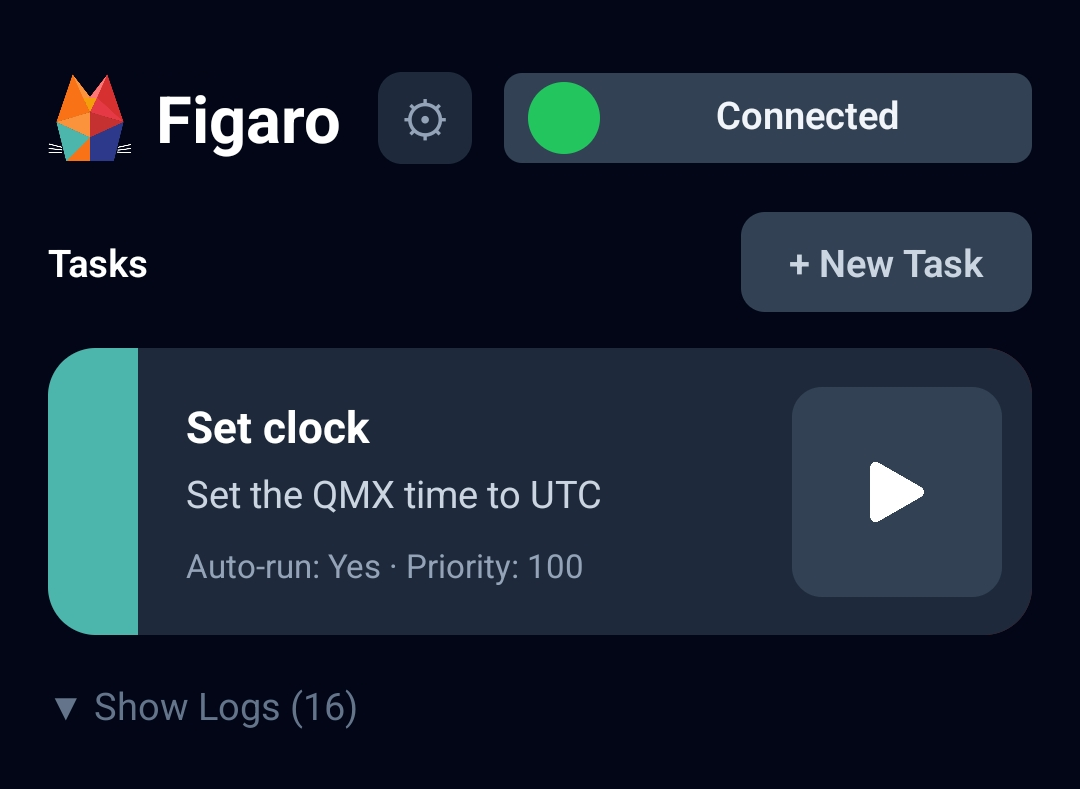
To run it, simply tap the Play button and watch your QMX's clock update to UTC time.

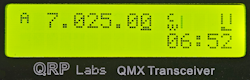
Auto-run bonus.
If you enabled Auto-Run, turn off your QMX, then turn it on again and watch as the time is automatically set (while Figaro is running), without needing to tap the Play button!
Well Done
Being able to auto set the clock was the inspiration behind developing Figaro in the first place, so even if you never do anything more with it, I trust you'll find it a valuable addition to your QMX.
Once you start exploring the possibilities, however, you'll soon discover how powerfull automation with the QMX is, limited by only your imagination. Be sure to check out the other automated scripts to either run yourself, or as inspiration for developing your own.